Industry
SMS for home services and repairs
Give customers the visit time, tell them when the technician is on the way, and share the next step when a job changes. Send each update from the system your team already uses.
- Visit notices through the API
- Your own booking and job links
- Delivery status returned by webhook
Hi Sam, your technician from [COMPANY] will visit tomorrow between 09:00 and 11:00. View your booking: [LINK]
Visit window
09:00-11:00
Keep the customer up to date at each visit
Repairs, installations and routine maintenance all leave someone waiting for a time or a next step.
Appointment reminders
Send the visit date and a link to the booking details before the appointment. Let your booking system decide when the reminder is due and request the SMS through the API.
Technician visit windows
Share the arrival window recorded by your dispatch team. If the schedule changes, your job system can send an updated window to the customer affected.
Job updates
Tell the customer when a part is ready, a follow-up visit is booked or the work is complete. Include a link to the relevant details in your own customer portal.
Let the job record decide when to send
The visit time lives in your booking system. The arrival window and repair status live with the team doing the work. Connect those events to the transactional API so your integration sends the customer’s number, the current details and the right booking link.
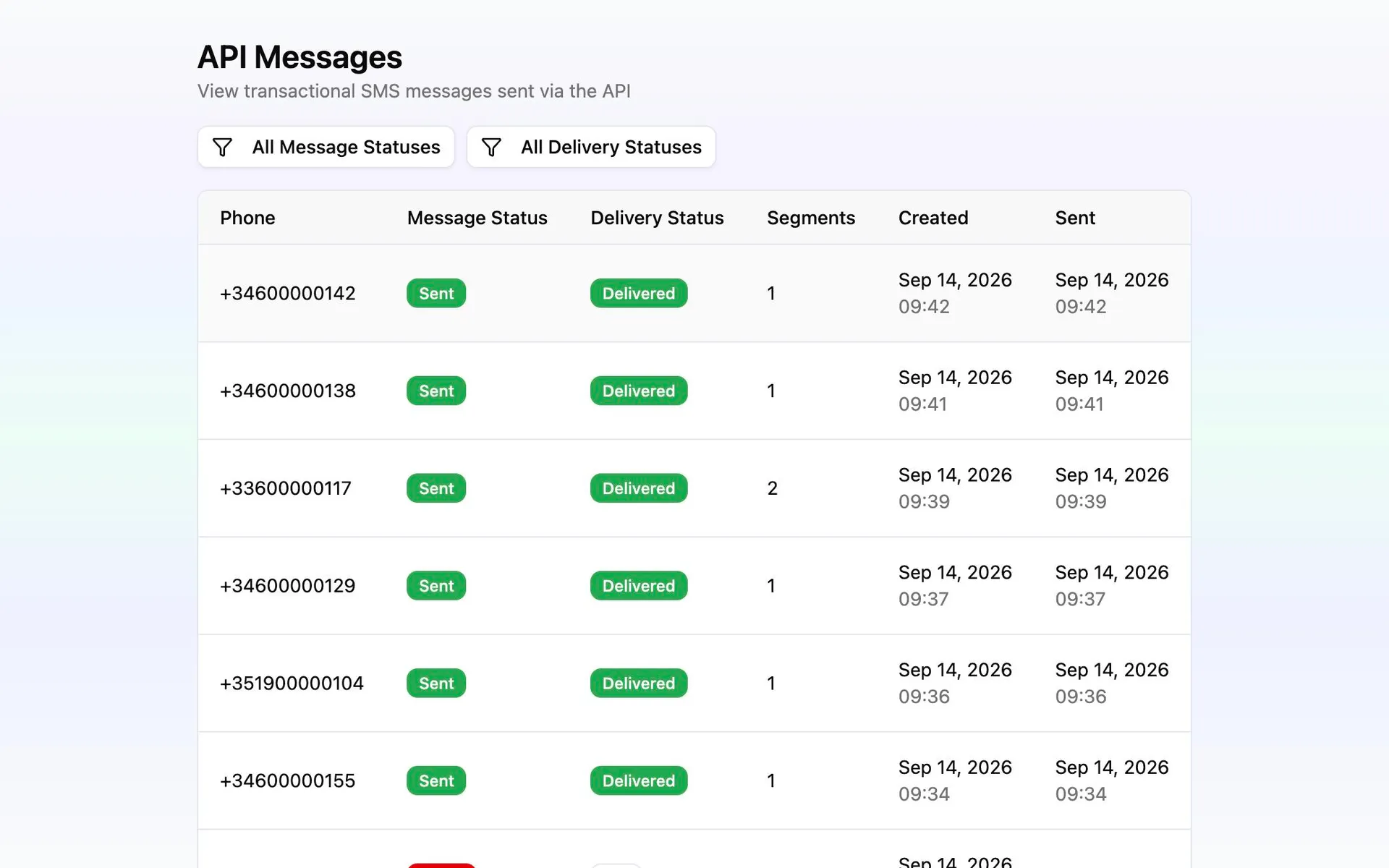
Messalogy handles the SMS send and exposes its delivery status. Configure delivery webhooks so your system can record whether the notice arrived beside the job. Your booking and dispatch tools continue to manage appointments, routes and changes.
Connect one job update first
Choose a point where your team already knows what the customer needs to hear.
Choose the event and recipient
Start with a confirmed visit or a technician departure. Use the job record to select the customer and current phone number.
Prepare the details in your system
Build a short message with the company name, visit window and a booking link. Keep entry instructions and other private details in your customer portal.
Send through a project API key
Create an API key and have your integration request the message when the event occurs. Check the response before recording the submission.
Record the delivery result
Configure a webhook endpoint to receive delivery status changes. Use the result in your job system to identify notices that need follow-up.