Industry
SMS for schools and course providers
Reach one class, one campus or every family at once, on the screen a parent actually looks at, using the groups the office already keeps.
- Groups per class, year and campus
- Imported from the list the office keeps
- Every message followed to delivery
Notice from [YOUR SCHOOL]: enrollment closes on Friday. Return the form using this link: [LINK]
Group
One year group
Three messages a school sends every term
Each one is short, dated, and worth nothing a day late. That is the whole case for the channel.
Enrollment deadlines
Application windows, payment dates and forms still outstanding, sent to the families who have one left to return. Shorten the link to the form and see who opened it.
Closures and changes
A day off, a room change, a bus that is not coming. It reaches the family while it still helps rather than at the gate, and it goes only to the group it concerns.
The reminder the evening before
Parents’ evening slots, trip consent forms, the hour an exam starts. Written once, set against the group it belongs to, and left to leave on its own.
A school’s list is not one list
The office already keeps the structure: a class, a year group, a campus, a bus route, a course cohort. Import the contacts with those fields and they arrive as attributes you can group on, so a send follows the shape the school already works in. A closure goes to one class, an enrollment deadline goes to every family at once, and neither needs a list assembled by hand that morning.
The groups are rules, not frozen copies. Audiences check themselves again on every send, so a family that left in July is not in September’s run and a number that opted out stays out of it. Next term you replace the roster, not the groups.
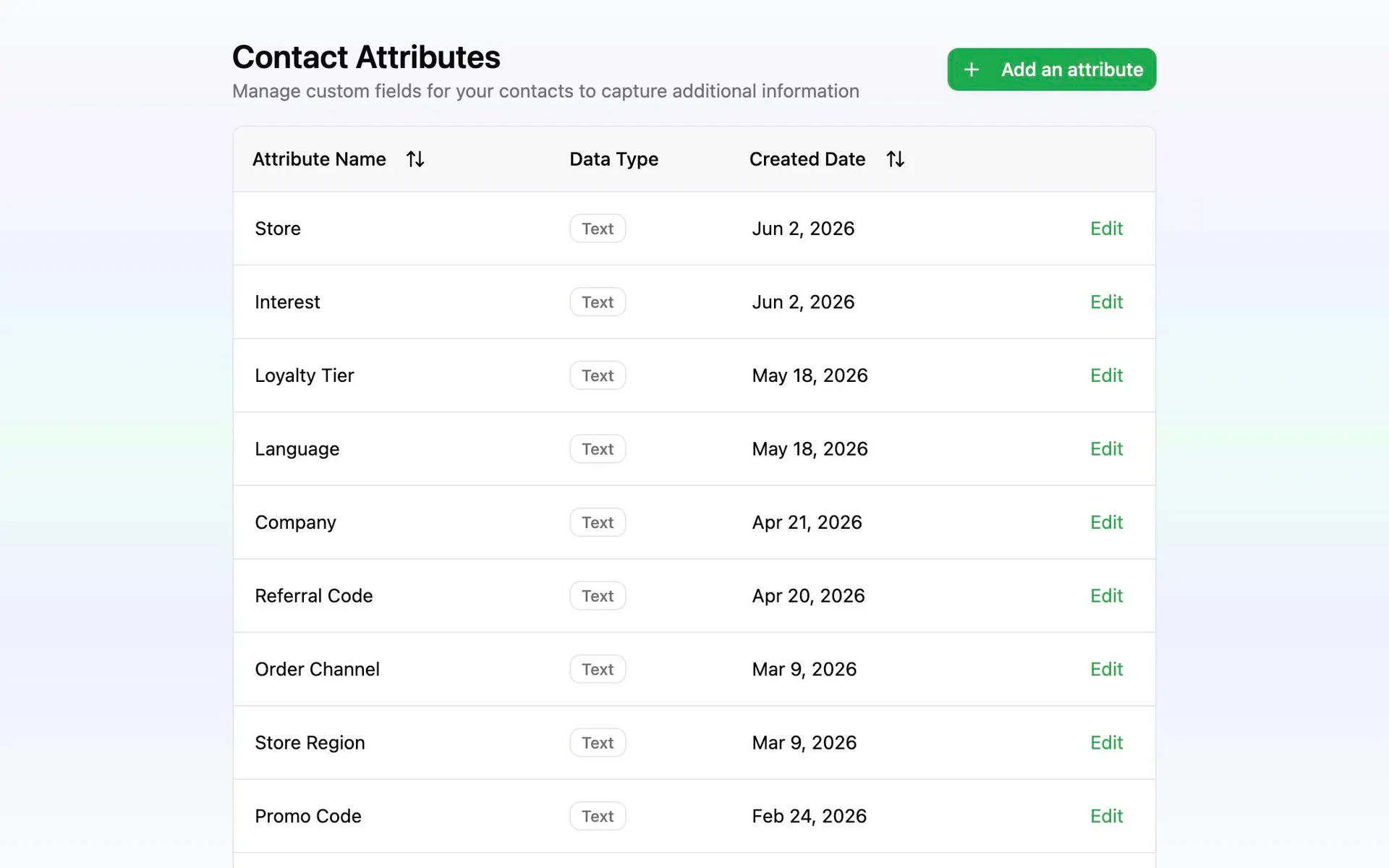
From the office spreadsheet to the whole school
Building the groups is the work, and it is done once. The sends after it are a few lines of copy.
Import the list the office already keeps
Export it from whatever holds the register and bring it in as it stands: name, class, year, campus, guardian number. Every column becomes a field you can group on.
Cut it into the groups you actually message
One per class, one per year, one per campus, and one that holds everybody. Audiences are rules, so a group is defined once and keeps being the right one.
Write it once, personalize it per family
Put the student’s own name in the message, preview it at the length it will send at, and try it on your own phone before a year group reads it.
Send it now or set it for the morning
Look over the group and the total on the review screen, then choose the hour. A closure leaves immediately; a deadline reminder can wait for the school run. Which families the notice reached, and which numbers it never did, is there in reporting.