Use Case
Appointment reminders at the right moment
Remind tomorrow’s customers today, reduce empty slots, and know the full price before anything leaves.
- Scheduled 30 minutes to 365 days ahead
- Consent re-checked as the run goes out
- Full price shown before approval
Scheduled send
Today, 18:00
Hi Ana, your appointment at [YOUR CLINIC] is tomorrow at 09:30. To change it, call [YOUR NUMBER].
One reminder run, end to end
Bring the list in
The contacts and appointment dates your business already keeps.The audience re-checks itself
Tomorrow’s bookings, not a list you froze last month.Scheduled for the hour you pick
Approved with the full price attached, then it waits.Read the report
Every message followed through to delivery.
The reminder has one job: arrive in time
A reminder is useful only if the customer notices it while they can still do something about the appointment.
It lands on the lock screen
No app to install and no promotions tab to check. The reminder appears with the messages already on the customer's phone.
It goes out when you decide
Schedule a send from 30 minutes to 365 days ahead, so the reminder for tomorrow’s list goes at the hour you picked and not whenever someone remembers to run it.
It is priced before it sends
Review the customers and total price before approval. The cost is attached to the reminder run before it leaves, not after.
Set it up once. Repeat with confidence.
Once the first reminder is ready, the next one follows the same familiar flow with a new date.
Bring the client list in
Import your contacts with the appointment date, practitioner, location or other details your business already keeps.
Choose tomorrow’s appointments
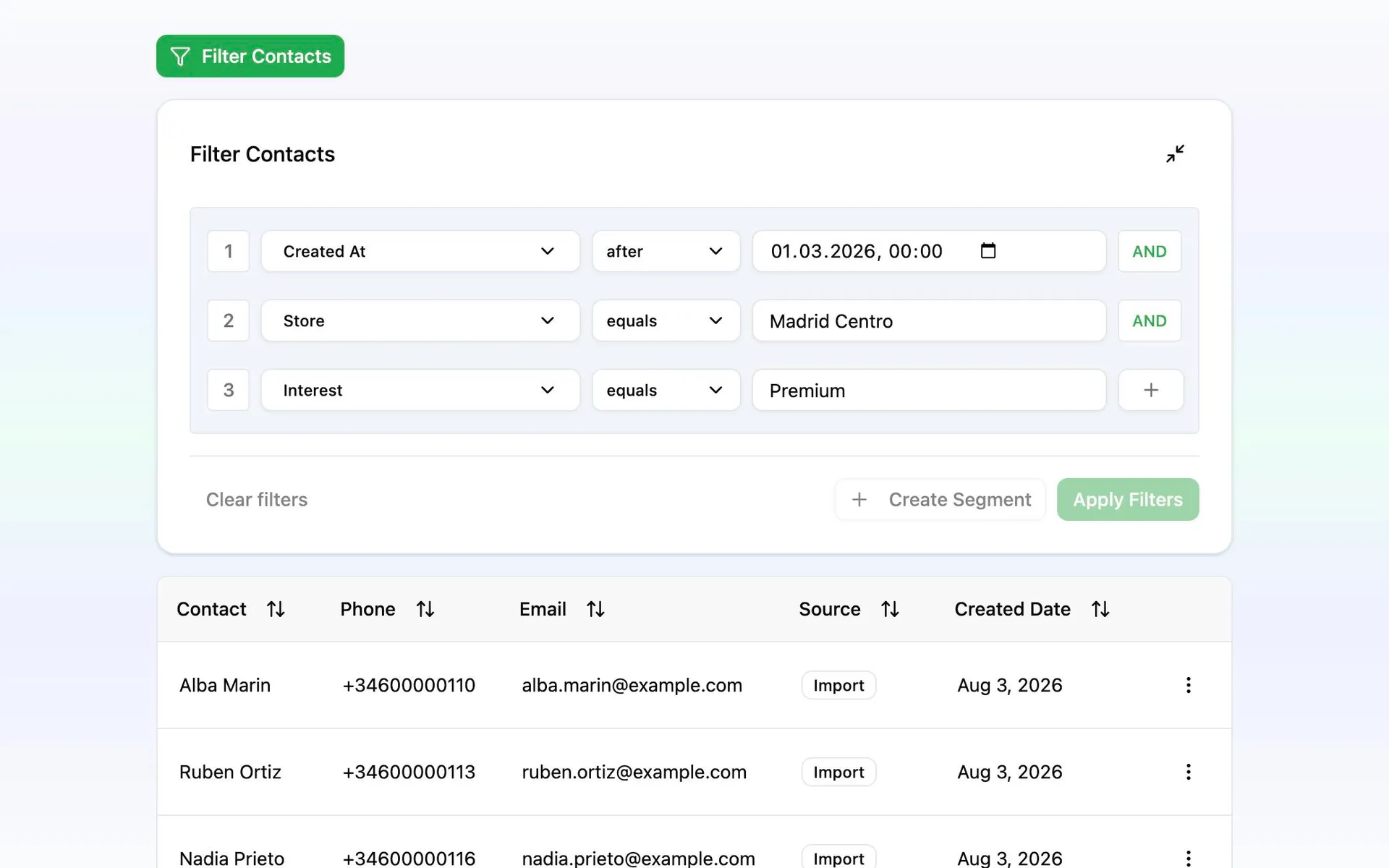
Create a reusable audience based on appointment date. Messalogy checks the rule again each time you use it.
Write the message and see what it costs
Add the customer name, practitioner, location or appointment time. The live preview shows the message length and price as you type.
Schedule it, then read the report
Pick the hour, review the customers and total price, then send. Afterwards, follow every message in reporting.
Tomorrow’s list reflects tomorrow’s bookings
A reminder audience updates from the booking information you have at send time. It is not frozen on the day you created it.
Someone who canceled this morning or unsubscribed last week is left out of tomorrow’s send automatically.